Call: 08071793234
 Send Inquiry
 Send Inquiry
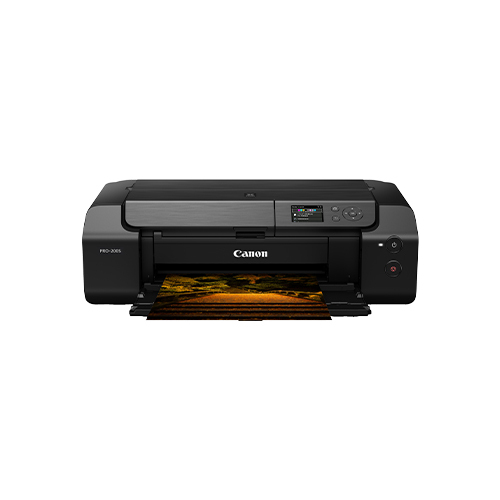
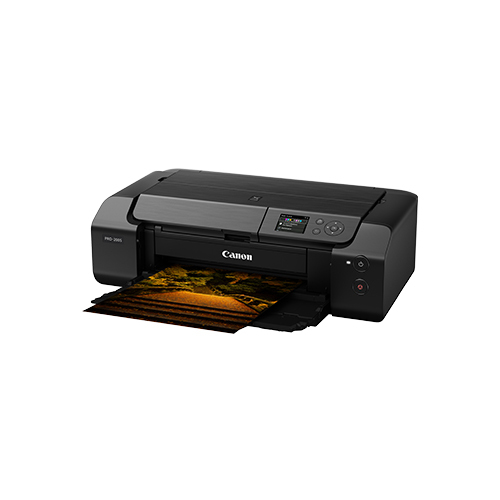
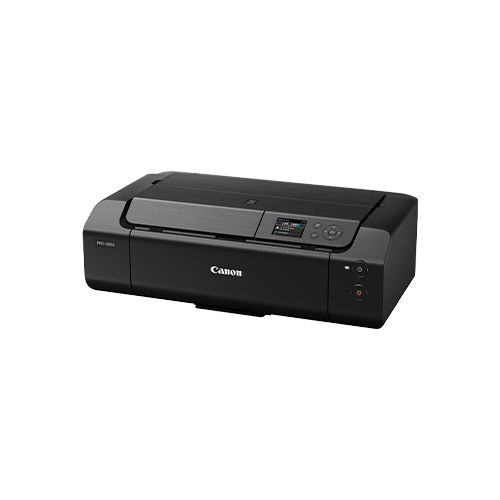
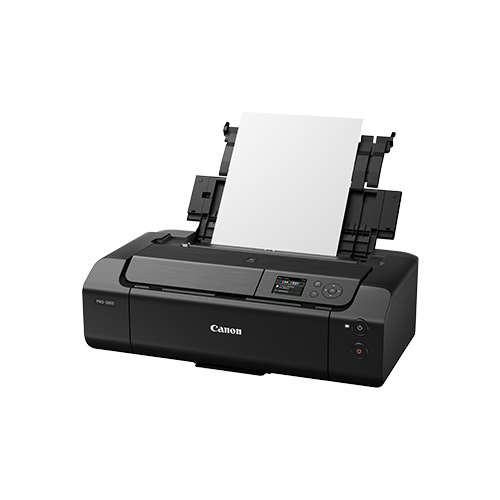
PIXMA PRO-200S High-Performance A3 Plus Photo Printer
MOQ : 1 Unit
PIXMA PRO-200S High-Performance A3 Plus Photo Printer Specification
- Function
- Usage & Applications
- Professional photo printing, studio printing, commercial graphic arts
- Print Technology
- Inkjet
- Working Temperature
- 15-30C
- Weight
- 14.1 kg
- Power Supply
- AC 100-240V, 50/60Hz
- Features
- Compact design, borderless printing, 3-inch LCD display, vivid color reproduction, panorama printing, double paper feed, chromalife100+ ink system, Wi-Fi,
- Cabinet Material
- Plastic
- Interface
- USB, Wi-Fi, Ethernet
- Humidity %
- 10-90% RH (no condensation)
- Capacity
- Sheet feeder: up to 100 sheets plain, 20 sheets photo paper
- Print Speed
- A3+ bordered image in approx. 1 min 30 sec
- Condition
- New
- Material
- Plastic & Metal Cabinet
- Dimensions
- 639 x 379 x 200 mm
- Voltage
- AC 100-240V, 50/60Hz
- Automatic Grade
- Automatic
- Color Print Speed
- A3+ bordered image in approx. 1 min 30 sec
- Black Print Speed
- A3+ bordered image in approx. 1 min 30 sec
- Maximum Paper Size
- A3+
- Maximum Resolution
- 4800 x 2400 dpi
- Use
- Photo Printing
- Mobile Printing Support
- Apple AirPrint, Google Cloud Print, Mopria, Canon PRINT app
- Paper Path
- Top feed and rear tray
- Borderless Printing
- Yes (up to A3+ size)
- Energy Consumption
- Approx. 22W (printing), 1.2W (standby)
- Display
- 3.0-inch color LCD screen
- Wi-Fi Standard
- IEEE802.11n/g/b
- Operating Systems Supported
- Windows/macOS
- Print Head Technology
- FINE (Full-photolithography Inkjet Nozzle Engineering)
- Cartridge Types
- CLI-65 series
- Ethernet
- 10/100 Base-T
- Supported Media Types
- Plain paper, Photo paper, Fine Art papers, CD/DVD/BD printing, Envelope
- Ink System
- 8-color dye-based (ChromaLife100+) ink system
PIXMA PRO-200S High-Performance A3 Plus Photo Printer Trade Information
- Minimum Order Quantity
- 1 Unit
- Payment Terms
- Cash in Advance (CID)
- Supply Ability
- 100 Units Per Month
- Delivery Time
- 7 Days
- Main Domestic Market
- All India
PIXMA PRO-200S High-Performance A3 Plus Photo Printer About
Jump on the chance to own the invincible PIXMA PRO-200S High-Performance A3 Plus Photo Printer. Redeem elite-quality prints with its splendid 8-color dye-based (ChromaLife100+) ink system, delivering lifelike color reproduction on any media from fine art paper to CDs. Shop now for seamless, borderless masterpieces up to A3+ size with rapid print speeds and automatic operation. Its 3-inch LCD and multiple connectivity options make it the premier choice for professional photographers, studios, and graphic artists who demand nothing but the best.
Features, Extras, and Application Areas
Experience the splendid power of the PIXMA PRO-200S: it features borderless A3+ printing, a compact and robust design, and vivid 8-color dye-based output thanks to ChromaLife100+ ink. Enjoy double paper feed, panorama printing, and a 3-inch color LCD. Application areas include professional photo printing, graphic arts, and studio productions, giving creators of all calibers an elite, versatile tool to realize their vision with precision and ease.
Certifications, Sample Policy, Packaging Details
Estimate the value of your proposal amount and control your expenditure when selecting the PIXMA PRO-200S. Each unit complies with essential safety and performance standards. Sample prints can be provided upon request with clear estimation of costs. Packaging is carefully designed to ensure secure delivery, using robust materials that shield the printer during transport, reflecting our commitment to quality and client satisfaction at every stage of procurement.
Features, Extras, and Application Areas
Experience the splendid power of the PIXMA PRO-200S: it features borderless A3+ printing, a compact and robust design, and vivid 8-color dye-based output thanks to ChromaLife100+ ink. Enjoy double paper feed, panorama printing, and a 3-inch color LCD. Application areas include professional photo printing, graphic arts, and studio productions, giving creators of all calibers an elite, versatile tool to realize their vision with precision and ease.
Certifications, Sample Policy, Packaging Details
Estimate the value of your proposal amount and control your expenditure when selecting the PIXMA PRO-200S. Each unit complies with essential safety and performance standards. Sample prints can be provided upon request with clear estimation of costs. Packaging is carefully designed to ensure secure delivery, using robust materials that shield the printer during transport, reflecting our commitment to quality and client satisfaction at every stage of procurement.
FAQ's of PIXMA PRO-200S High-Performance A3 Plus Photo Printer:
Q: How do I set up the PIXMA PRO-200S for wireless printing?
A: To set up wireless printing, connect the PIXMA PRO-200S to your Wi-Fi network using the 3-inch LCD screen, following the prompts to add the printer to your preferred device via Apple AirPrint, Google Cloud Print, Mopria, or the Canon PRINT app.Q: What types of media can the PIXMA PRO-200S support for printing?
A: This printer accommodates a diverse range of media, including plain paper, photo paper, fine art papers, CDs/DVDs/BDs, and envelopes, making it extremely versatile for various creative projects.Q: When should I use the double paper feed feature?
A: The double paper feed feature is ideal when you need to print on different types or sizes of paper consecutively, or when handling high output production tasks in busy studio or professional settings.Q: Where can the PIXMA PRO-200S be installed for optimal use?
A: It fits perfectly in professional photo studios, graphic arts environments, or offices due to its compact design and robust build, requiring a temperature range of 15-30C and humidity between 10-90% RH.Q: What is the process for replacing the ink cartridges in this printer?
A: You simply open the ink compartment, remove the used CLI-65 series cartridge, insert the new one, and follow the on-screen prompts on the LCD for proper installation and calibration.Q: How does the ChromaLife100+ ink system benefit users?
A: The ChromaLife100+ ink system delivers exceptionally vivid, long-lasting prints with superb color accuracy, ensuring professional-quality results suitable for display and archival purposes.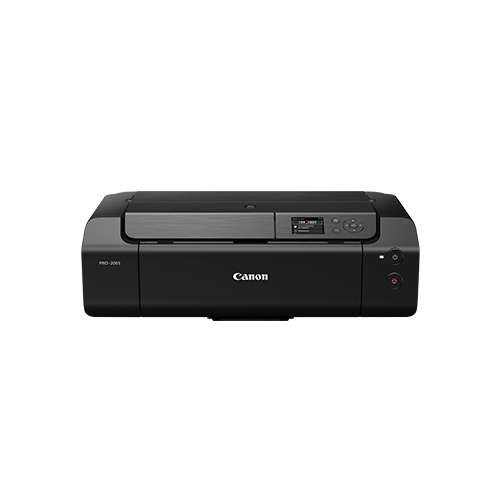
Tell us about your requirement

Price:
Quantity
Select Unit
- 50
- 100
- 200
- 250
- 500
- 1000+
Additional detail
Mobile number
Email

More Products in Pixma Printer Category
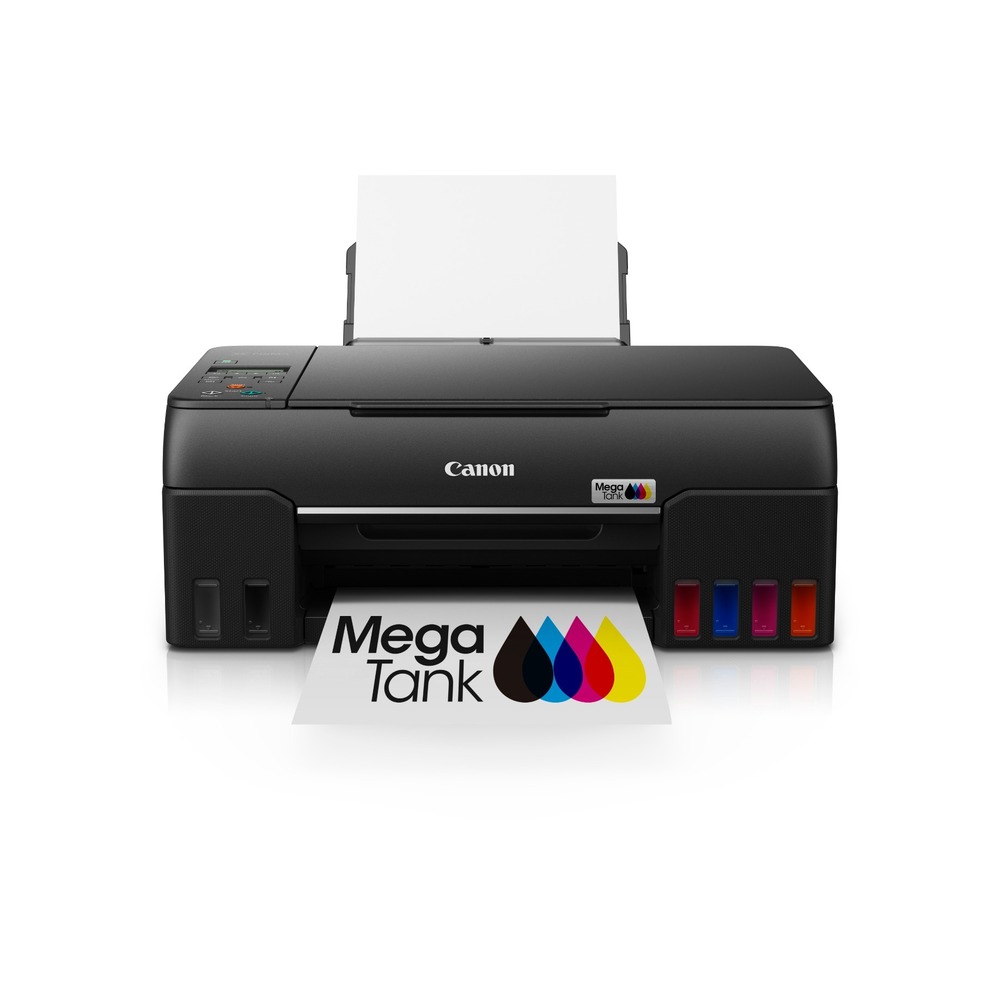
PIXMA G670 Easy Refillable Wireless All-In-One 6 Ink Tank
Minimum Order Quantity : 1 Unit
Maximum Paper Size : A4
Gross Power : Approx. 17W (operation)
Function : Print, Scan, Copy, Wireless
Usage & Applications : Photo and Document Printing, Scanning, Copying, Borderless Printing
Color Print Speed : 3.9 ipm
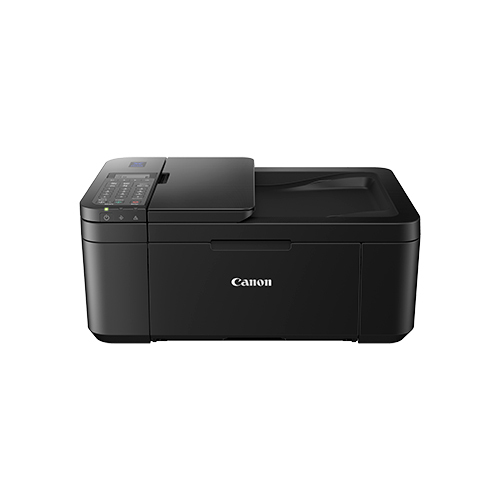
PIXMA E4570 Compact Wireless All-In-One With Fax
Minimum Order Quantity : 1 Unit
Maximum Paper Size : A4, Letter, Legal, A5, B5
Gross Power : 13 W (Maximum)
Function : Print, Scan, Copy, Fax
Usage & Applications : Wireless color printing, scanning, copying and faxing
Color Print Speed : Up to 4.4 ipm
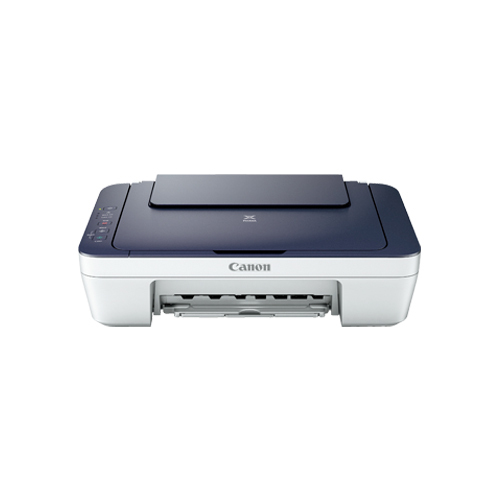
PIXMA MG2577S Affordable All-In-One Printer
Minimum Order Quantity : 1 Unit
Maximum Paper Size : A4
Gross Power : 10 W (maximum)
Function : Print, Scan, Copy
Usage & Applications : Document and Photo Printing
Color Print Speed : 4.0 ipm
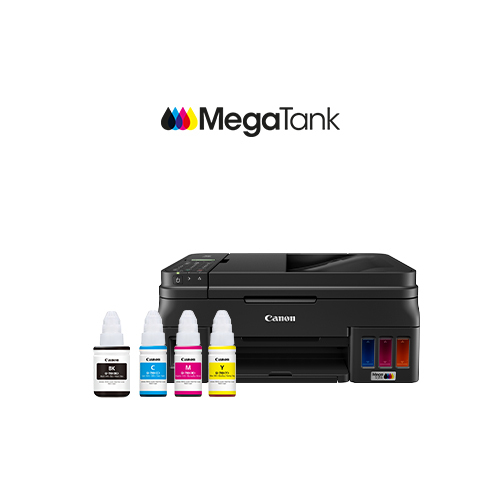
PIXMA G4010 Refillable Ink Tank Wireless All-In-One With Fax
Minimum Order Quantity : 1 Unit
Maximum Paper Size : A4, Letter, Legal
Gross Power : Approx. 13W (Maximum)
Function : Print, Copy, Scan, Fax
Usage & Applications : Document Printing, Copying, Scanning, Faxing
Color Print Speed : Approx. 5.0 ipm

Contact Details
MAKYNT SOLUTIONS (I) PRIVATE LIMITED
GST : 09AAUCM6898H1ZC
- Ground Floor, WA01, Sector 135,Noida - 201304, Uttar Pradesh, India
- Phone :08071793234
 Send Inquiry
Developed and Managed by Infocom Network Private Limited.
